Instructional design process
My Instructional Design Process
A practical, evidence-led process for moving from a learning request to a launched experience—and then using results to improve it.
- Intake
- Kickoff
- Needs analysis
- Blueprint
- Development
- Implementation
- Evaluation
Intake
Is training the solution? Do we have the resources we need?
Problem
How do we streamline the learning requests sent to our team and make sure we have the right resources and expertise to deliver solutions that move the needle and achieve business goals?
Solution
A learning project intake form asks the business to think more thoroughly about performance and measurement goals. It also saves the learning team time by gathering questions that would otherwise need to be asked on a kickoff call.
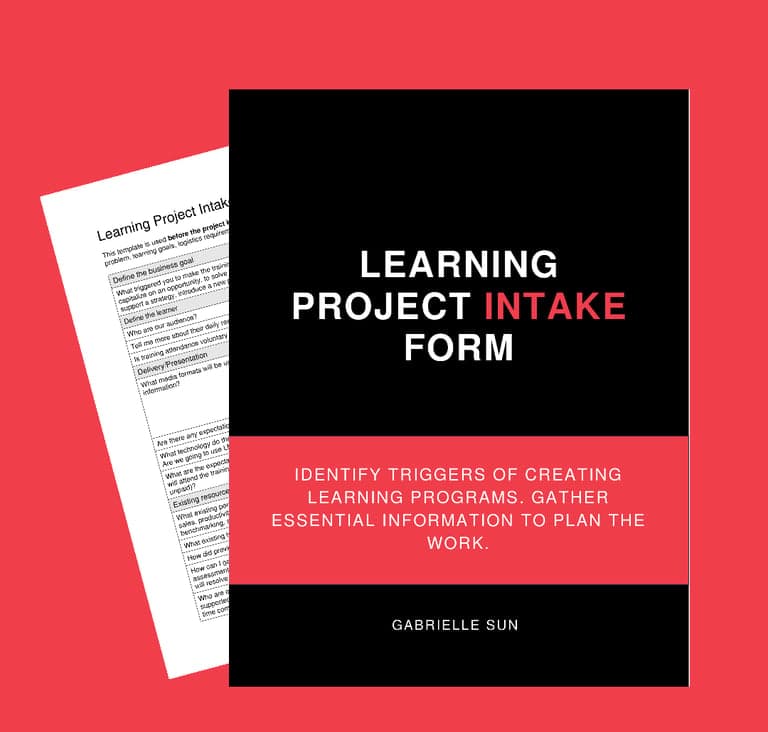 Open the project intake form template
Kickoff
Align stakeholders and check essential questions off the list.
Problem
We usually have only 30 minutes for a kickoff meeting, yet we need to get through a million questions. How can we maximize our time with subject-matter experts and get what we need to proceed?
Solution
A complete kickoff checklist helps instructional designers organize questions around the business and current state, future state, consumption, subject-matter experts, and other resources.
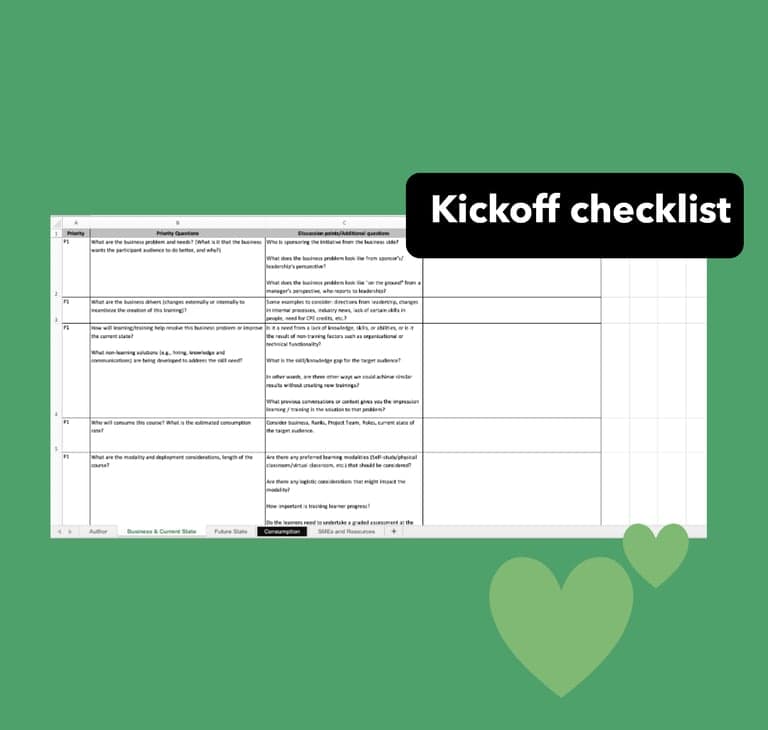 Open the kickoff checklist template
Needs Analysis
Define the problem and identify the solution.
- Input
- A quick understanding of the project requirements
- Process
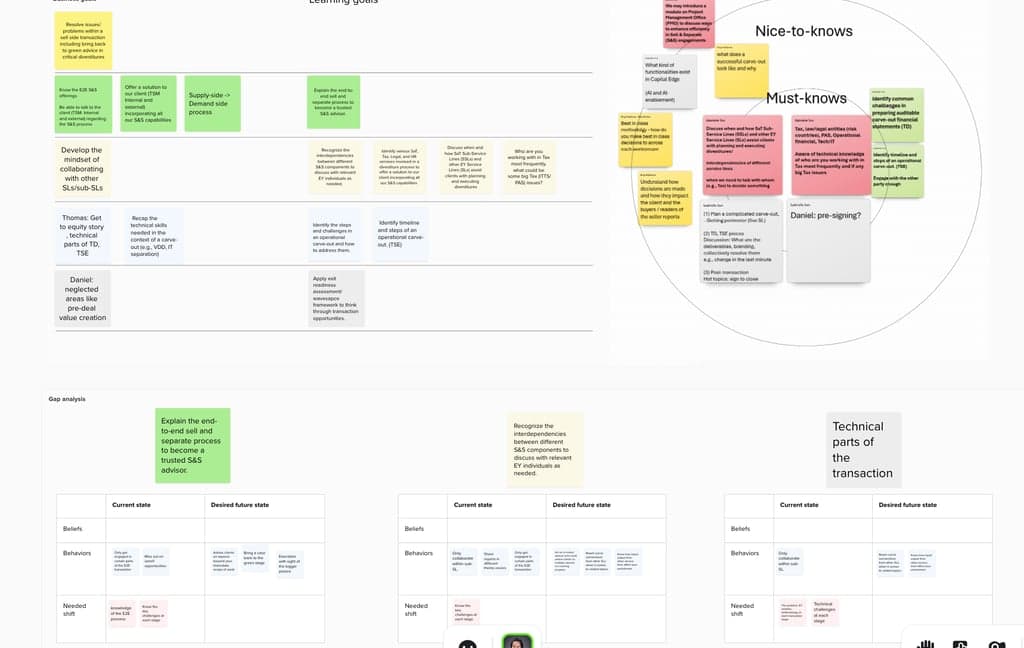
- Needs analysis workshops that gather “job-to-be-done” information
- Challenge
- Limited time with subject-matter experts
Blueprint/Storyboarding
Turn analysis into a lesson blueprint, detailed design specifications, and reviewable pre-alpha materials.
Lesson blueprint
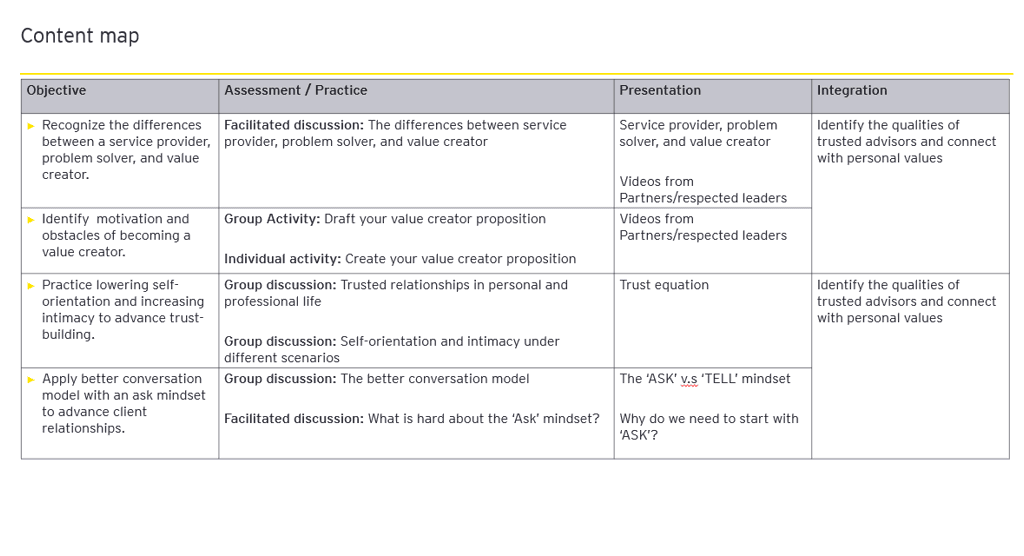
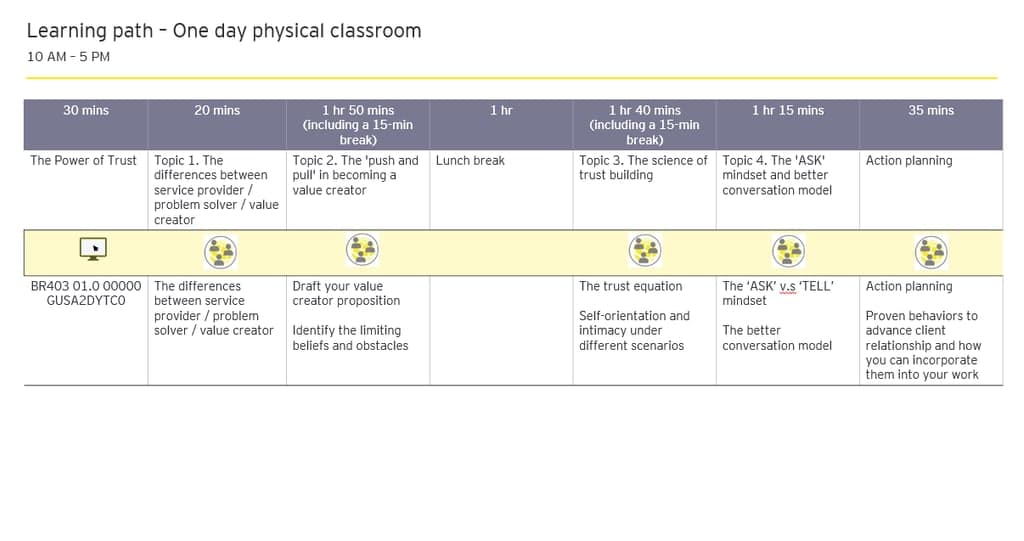
Once the skill needs interview is complete, I summarize the findings in a content map. It makes sure the goals align with practice and assessment opportunities, and that people receive enough content and instruction to succeed. For a multi-part program, I also create a learning path.
Detailed design specifications
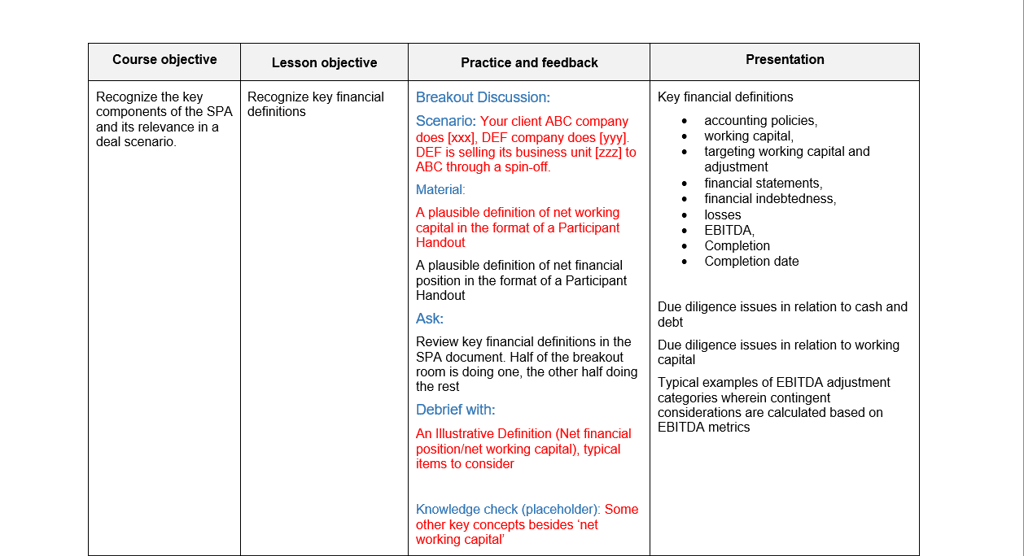
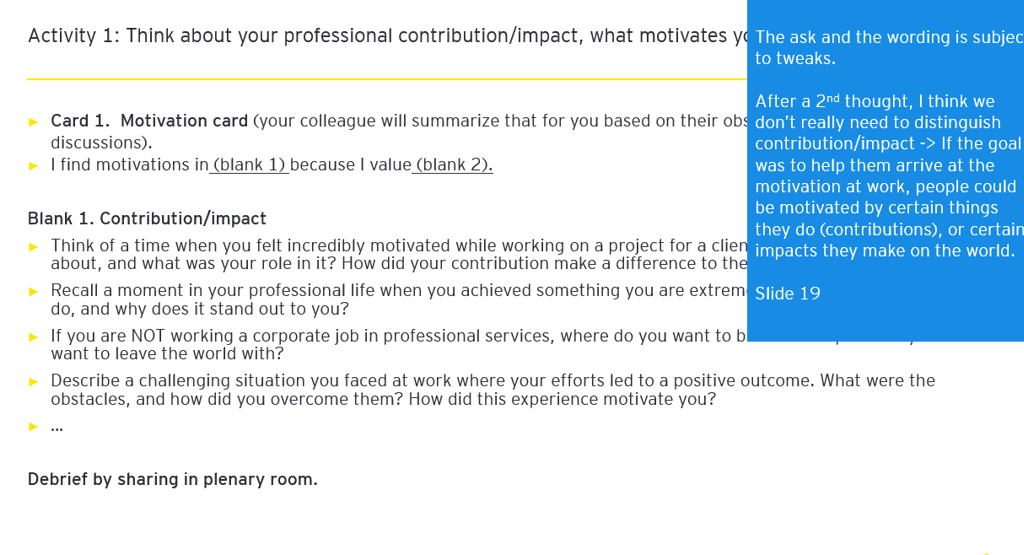
Once subject-matter experts approve the learning path and content map, I continue to craft and prototype the structures of key activities.
Text-based structures: Activities such as scenario → ask → debrief for subject-matter experts to fill in and review.
Storyboard-based structures: The same activity sequence represented visually, with specific review requests for subject-matter experts.
Storyboards and pre-alpha materials
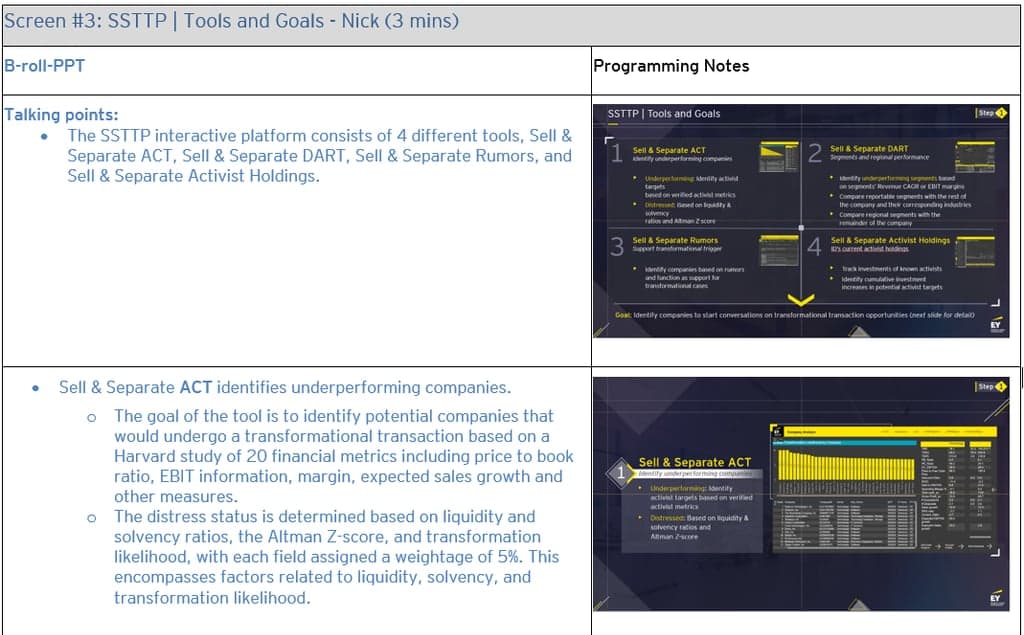
Video storyboard: I usually outline speaker notes, on-screen visuals, and screen types such as A-roll and B-roll.
eLearning storyboard: I usually outline visual blocks such as buttons, text areas, and diagrams.
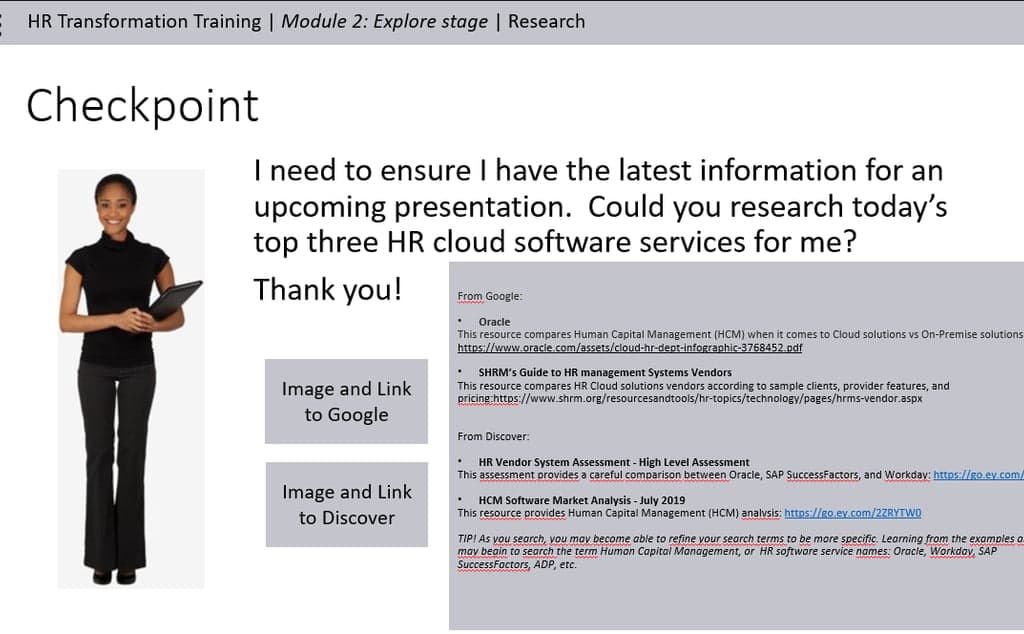
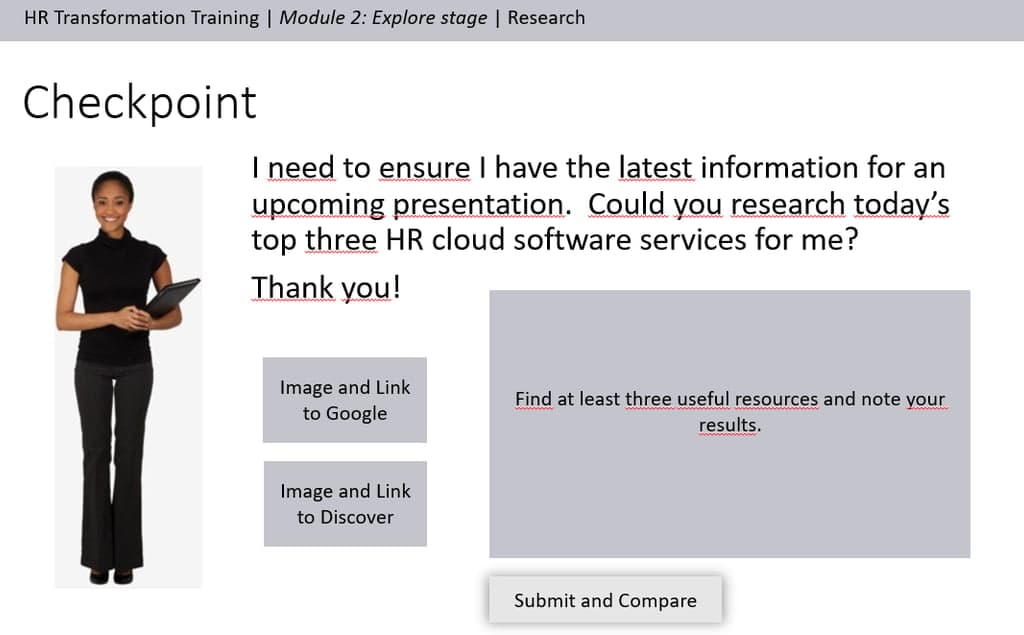
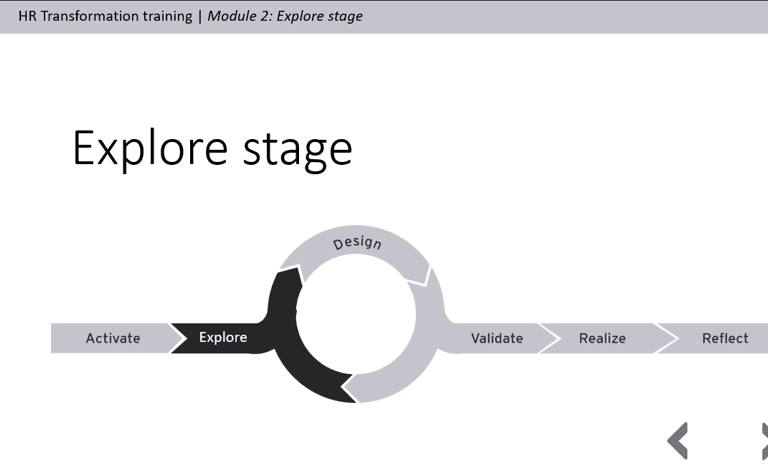
Slides pre-alpha version: For a virtual or in-person instructor-led training pre-alpha, I usually outline image placeholders, presentation content, and activity structures with placeholders for newly built slides. I also include existing slides when applicable.
Development
Establish the visual direction, select authoring tools, and build the learning experience.
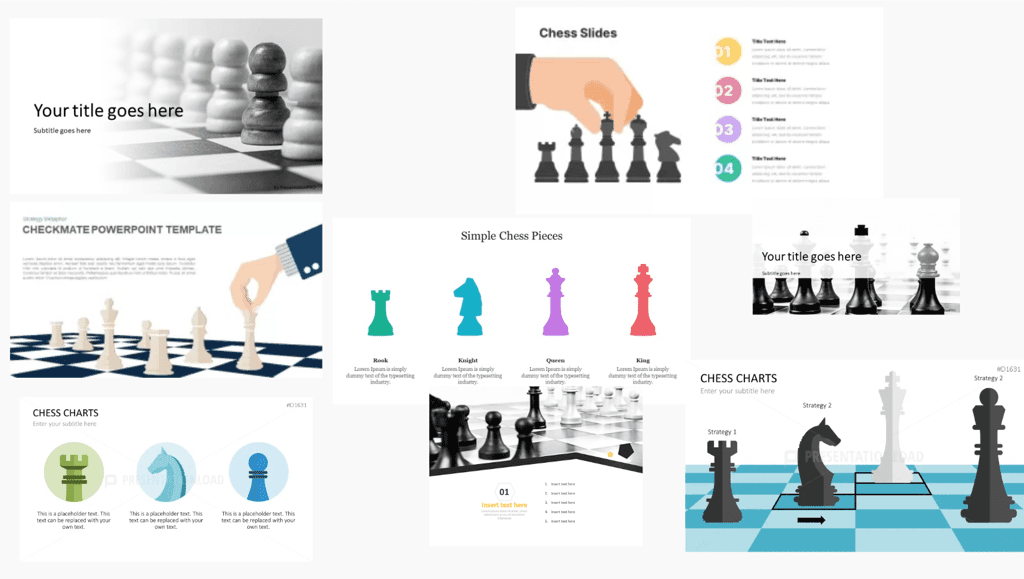
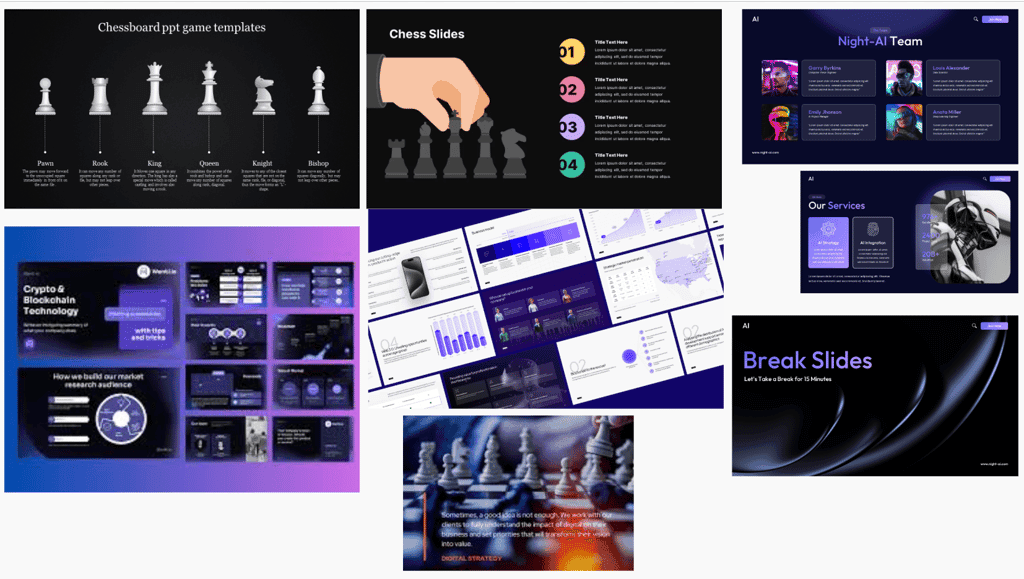
Mood boards and art styles
For eLearning and slides, do we use photo-realistic imagery or illustration? What imagery themes should we use?

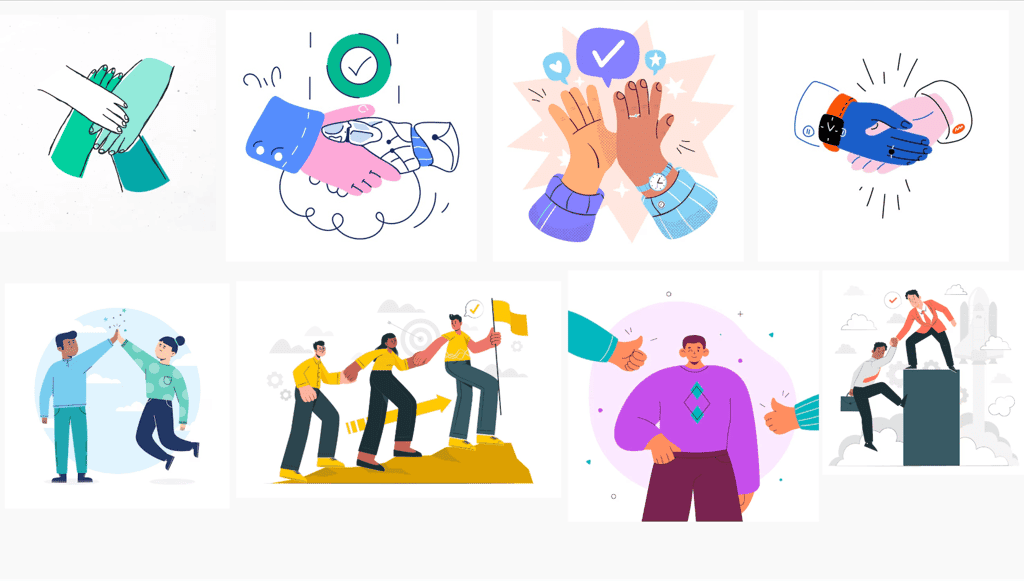

Art direction
The client selects “pawn” as the imagery theme. Should we use the dark or light version?
Authoring tools
Once the client approves the visual mockups, I decide which authoring tools will bring the visual assets to life.
- eLearning: Articulate Storyline and Rise
- Video: Adobe PR, Vyond, Synthesia, HeyGen, Clueso, and Demo Creator
- Instructor-led: Microsoft PowerPoint and Google Slides
Design of key activity slides
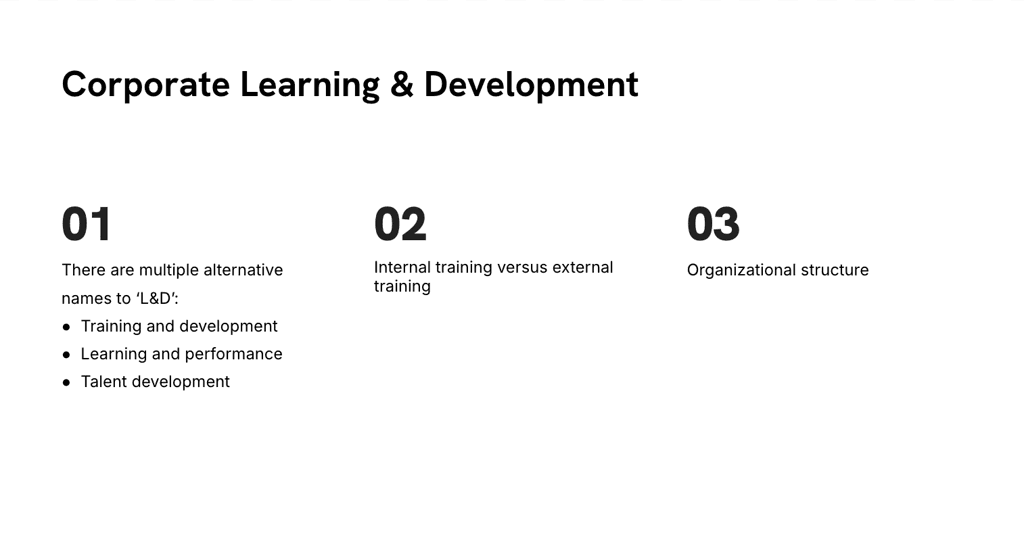
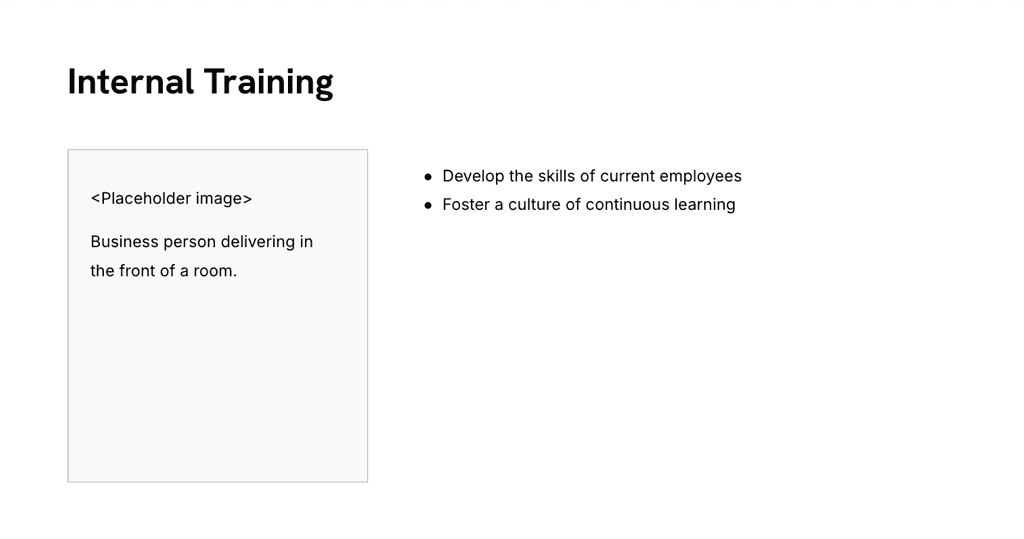
Once I get client input on the slide theme, I begin designing slides for key activities such as chat, group discussion, debrief, and Q&A.
Implementation
SCORM and Learning Management System: Once I gather subject-matter expert feedback and make final course revisions, I export the course as a SCORM file and upload it to a SCORM-compliant Learning Management System. I collaborate with the company’s corporate marketing stakeholders to market the new course in alignment with marketing methodologies and go-to-market strategy.
Evaluation
Evaluate, learn, and iterate with NPS and CSAT.
Course evaluation
I evaluate course success in two ways: a three-question knowledge check and a course feedback survey that measures NPS and CSAT. The survey also includes an open-ended response for user feedback. I connect these results back to the performance goal and learning objectives for the training.
Performance goal
Drive customer satisfaction for the List Page Analytics feature and training module. Drive adoption of the new software feature.
Learning objectives
- Comprehend the benefits of using List Page Analytics to improve current and future campaigns
- Navigate the List Page Analytics time series graph
- Identify three use cases for List Page Analytics
- Apply information gathered from List Page Analytics to inform and optimize current campaigns
Knowledge check
The knowledge check shows learner knowledge retention and whether learners are taking the actions expected after the course. Quiz results are available in Skilljar, where I can see individual and aggregate scores.
Course feedback surveys
Course feedback surveys show customer satisfaction with the learning experience and help predict business growth.
I review aggregate Skilljar quiz scores and average NPS and CSAT scores weekly for every course. Overall scores and trends over time show whether, how, and when a learning experience should be iterated. Because this experience’s performance goals are customer satisfaction and product adoption, these metrics help assess whether the training met its goals.